


Description
Overview
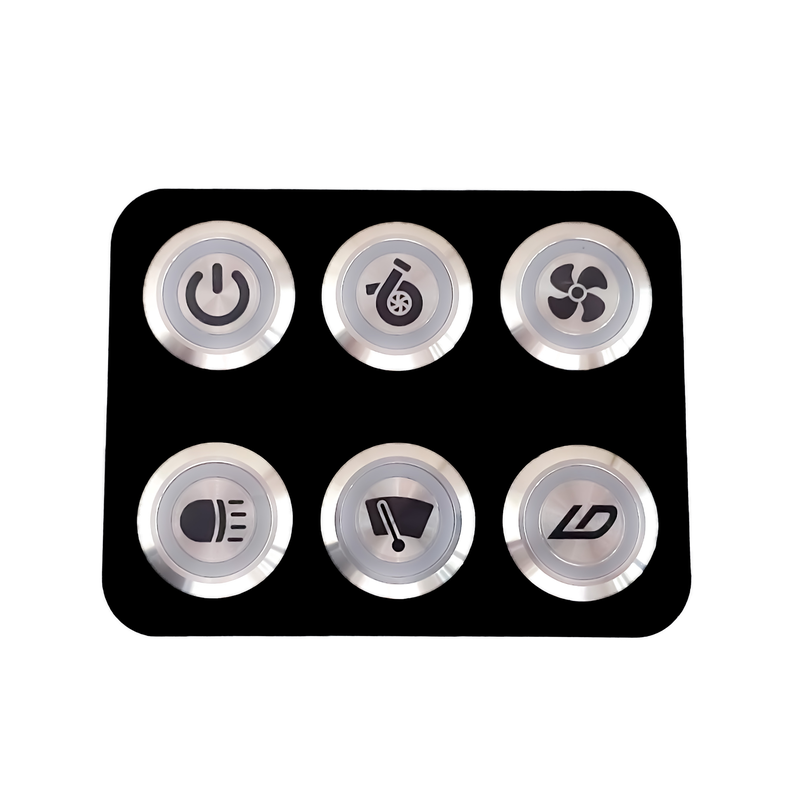
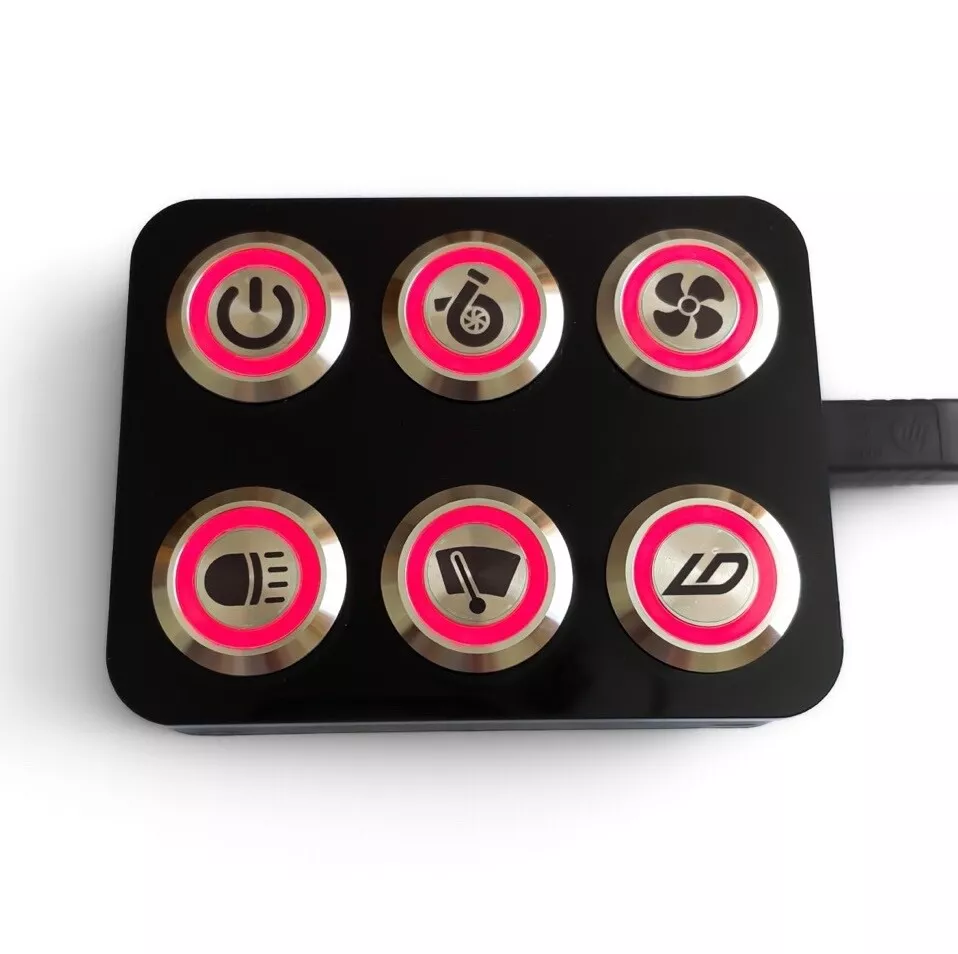
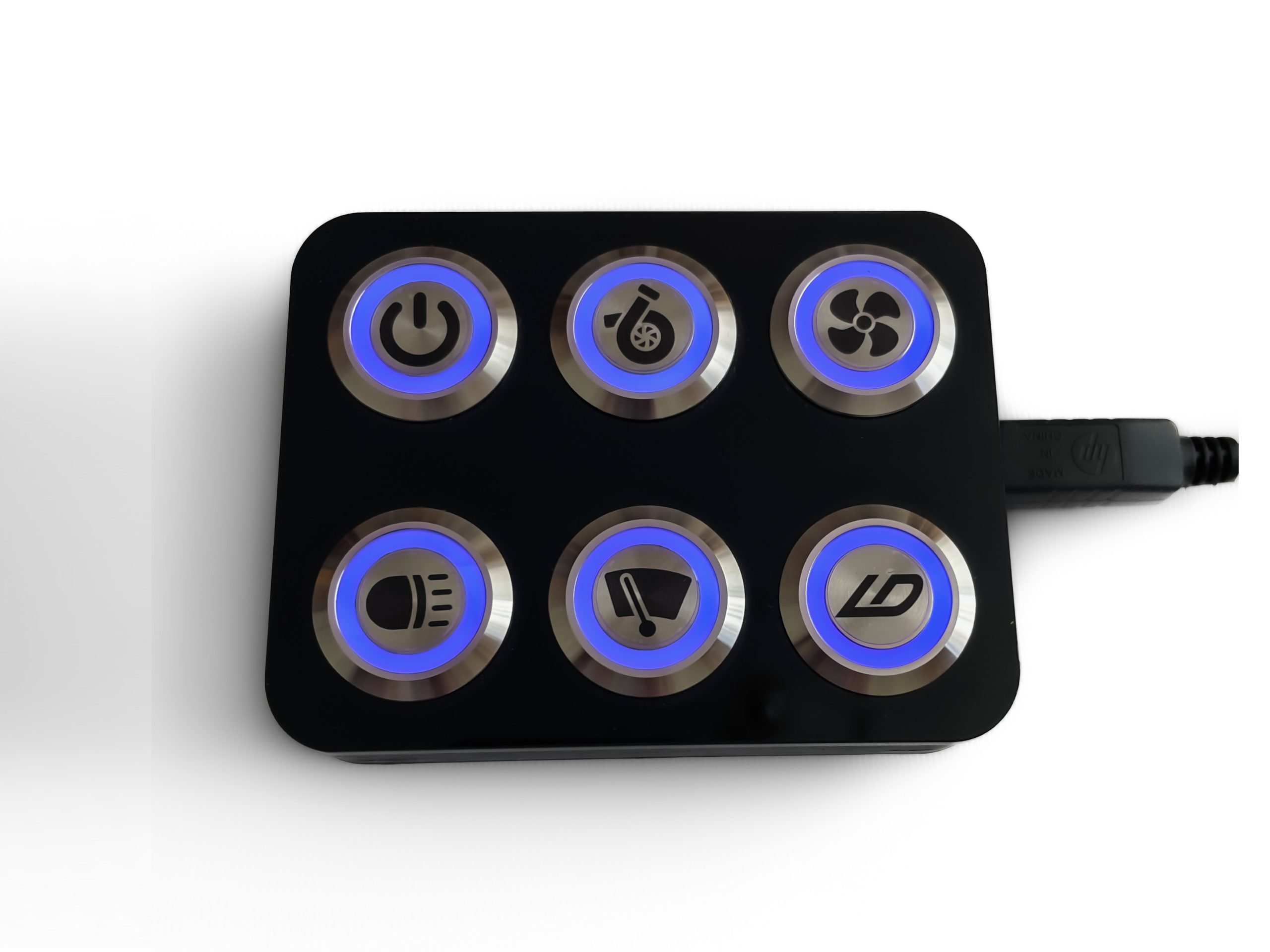
Built for performance and flexibility, the LD Performance CAN Bus Keypad puts six fully programmable RGB buttons in one tough, easy-to-use unit.
Each button can be mapped to control your ECU, PDM, or CAN-based accessory, letting you manage boost, traction, antilag, lighting, or any custom input instantly.
Key Features
- 6 RGB backlit buttons — customizable colors and button inserts
- Adjustable CAN bus speeds and IDs for perfect ECU integration
- USB Type-B port for easy firmware updates
- Compatible with BlinkMarine CANopen and Ecumaster J1939
- Works with multiple CAN devices simultaneously
Compatibility
The LD Performance CAN Keypad works with a wide range of systems, including:
- LD Performance PDM
- ECUMaster EMU
- MaxxECU (BlinkMarine mode)
- MegaSquirt MS3
- And many other CAN-enabled ECUs and devices
Pinout
The keypad requires power and a CAN connection.
To ensure signal stability:
- Twist CANH and CANL wires together.
- When connecting more than two devices on the same network, use a ring topology (not star).
- Place 120Ω termination resistors at each end of the CAN bus.

Default Configuration by System
LDperformance PDM or Ecumaster EMU
To load the correct default settings:
- Power off the keyboard.
- Press and hold the following two buttons while turning it back on:

The buttons will flash twice to confirm success.
Use the LDperformance PDM software or EMU software to configure button functions.
MegaSquirt MS3
To load the correct default settings:
- Power off the keyboard.
- Press and hold the following two buttons while turning it back on:

The buttons will flash twice to confirm success.
Configure MS3 as shown in the image below:
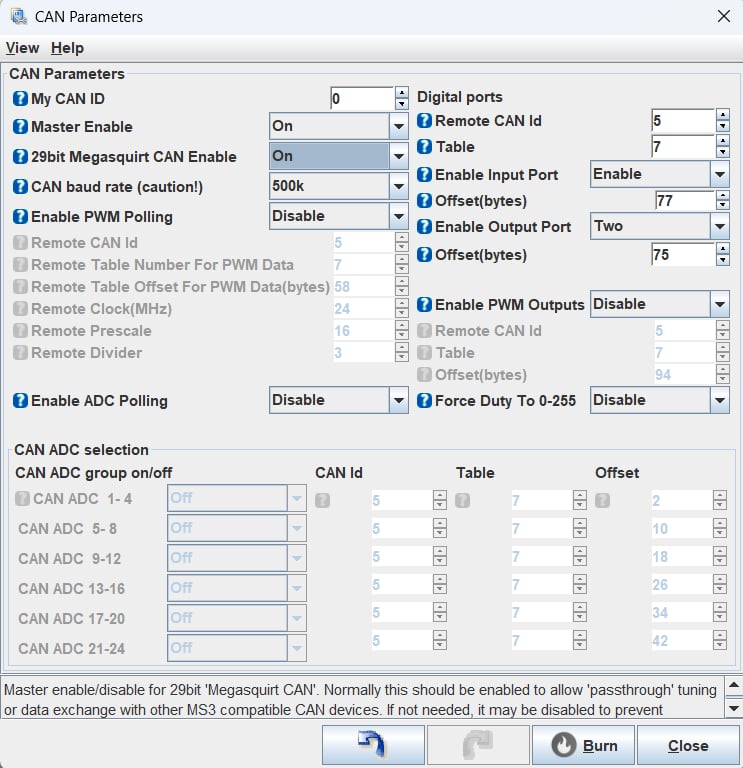
You can use CANIN* as a trigger for antilag, boost control, or table switching.
MaxxECU
To load the default settings for use with Maxxecu:
- Power off the keyboard.
- Press and hold the following two buttons while turning it back on:

- The buttons will flash twice to confirm success.
- The keypad will load the BlinkMarine protocol, compatible with MaxxECU.
- Configure through MTune software.
- Repeat step 2 to reset to factory defaults if needed.
The BlinkMarine CANopen protocol is detailed here: https://media.blinkmarine.com/pkp-2300-si-canopen-um
Using Multiple Keypad
Need more than six buttons? No problem.
You can connect multiple LD Performance keypads on the same CAN network.
All you need to do is:
- Get one keypad fully working.
- Change its CAN ID before connecting the next one (check your ECU or PDM manual for instructions).
Firmware Updates
- Obtain the latest firmware HEX file from LD Performance.
- Connect a USB Type-B cable to your computer.
- Press hold the following three buttons while plugging in the USB cable:

- The keypad will appear as a drive in “My Computer”.
- Copy the HEX file into the drive — it will auto-update and disconnect when complete.
Why Choose LD Performance
- Proven compatibility with leading ECUs and PDMs
- Customizable buttons and RGB backlights
- Firmware upgradable for future updates
- Compact, rugged design for motorsport environments
- Reliable CAN communication and flexible configuration options

Reviews
There are no reviews yet.